下载并安装官方 Outline 客户端,来源: Outline 官方网站. 备用链接: https://trustedzone.info/zh/downloads/Get_Outline.exe
Windows 7 版本: https://s3.amazonaws.com/outline-releases/client/windows/1.7.3/1/Outline-Client.exe
重要提示:Windows 版 Outline 客户端仅支持 Windows 7 及以上版本。
该服务器不支持 ShadowSocks [更换服务器]
请从 Favorites(收藏)分组中选择带纸飞机图标(ShadowSocks 标志)的服务器。
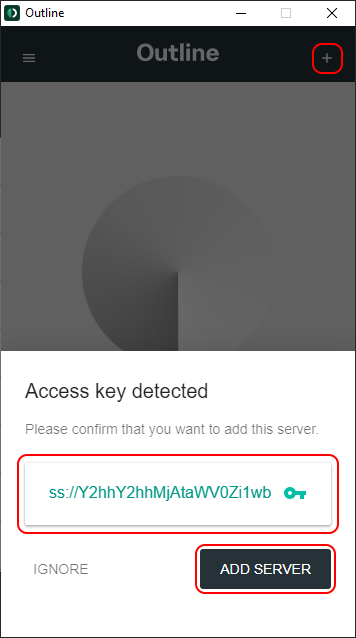
点击 CONNECT 按钮建立 VPN 连接。
打开 Trust.Zone 首页(如果已经打开,请刷新),确认与 Trust.Zone VPN 的连接是否正常建立。
您也可以访问我们的连接检测页面。
 您的 IP: x.x.x.x ·
  匈牙利 ·
您现在显示在 TRUST.ZONE!真实位置已隐藏!
匈牙利 ·
您现在显示在 TRUST.ZONE!真实位置已隐藏!


