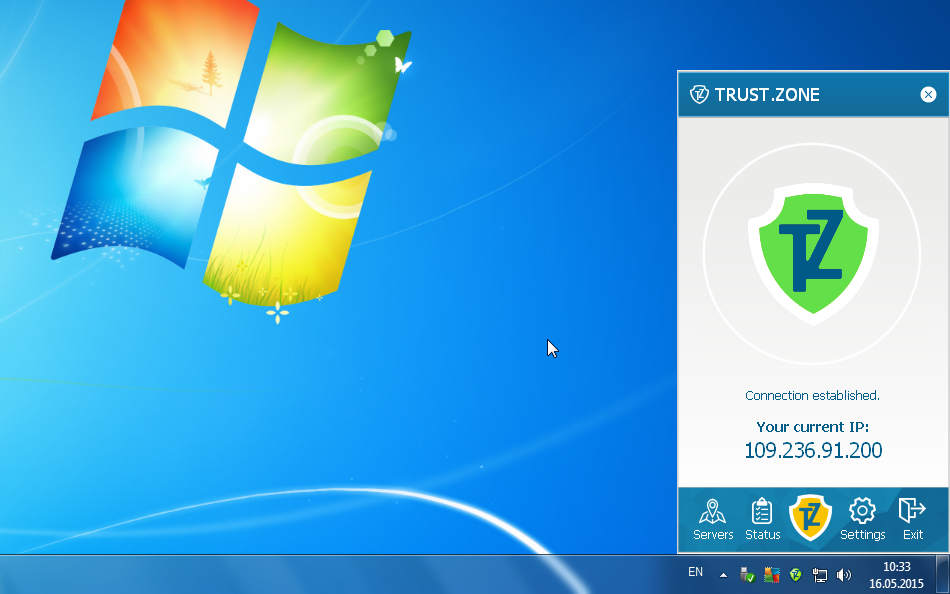
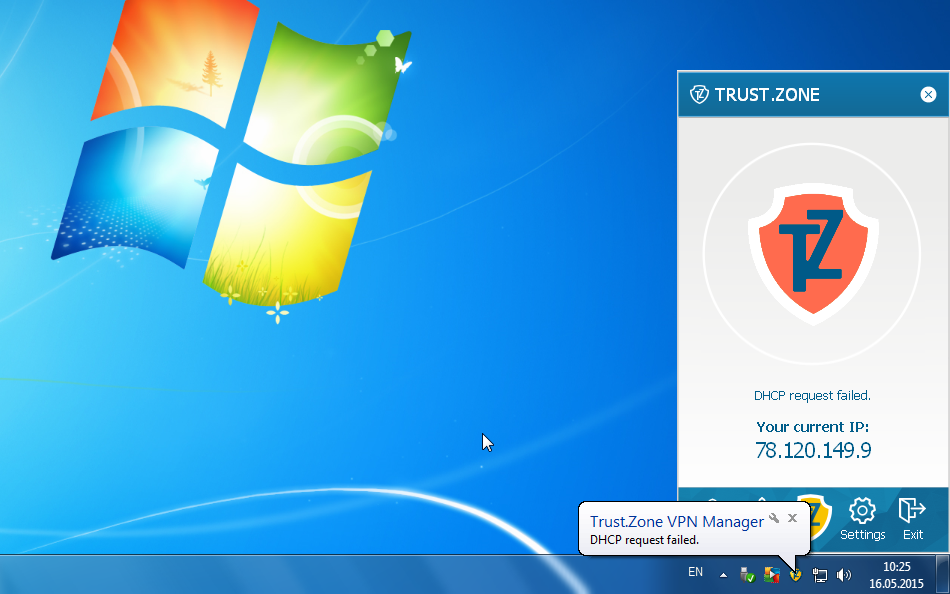
Do you have AVG Antivirus/AVG Internet Security running on your PC? You recently installed Trust.Zone VPN Client, but DHCP request failed error was appearing each time when client was trying to connect? Here is solution how to get rid of the problem.
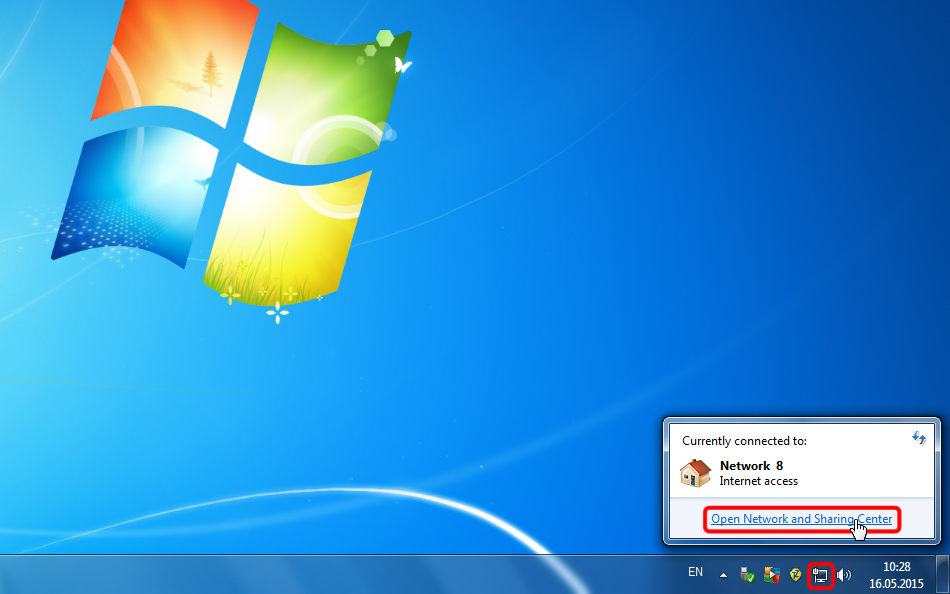
Step 1: Click connections icon and open Network and Sharing Center
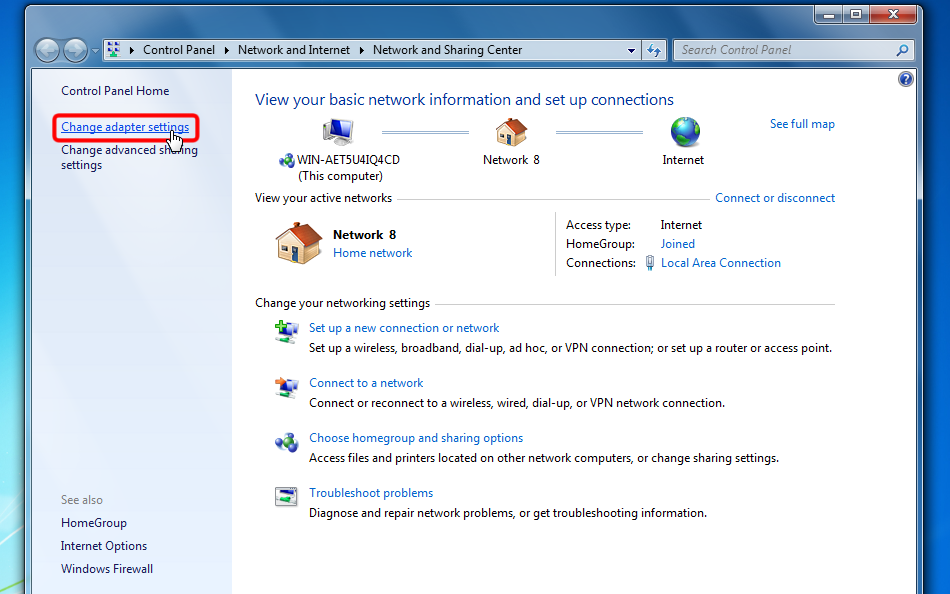
Step 2: Click Change adapter settings
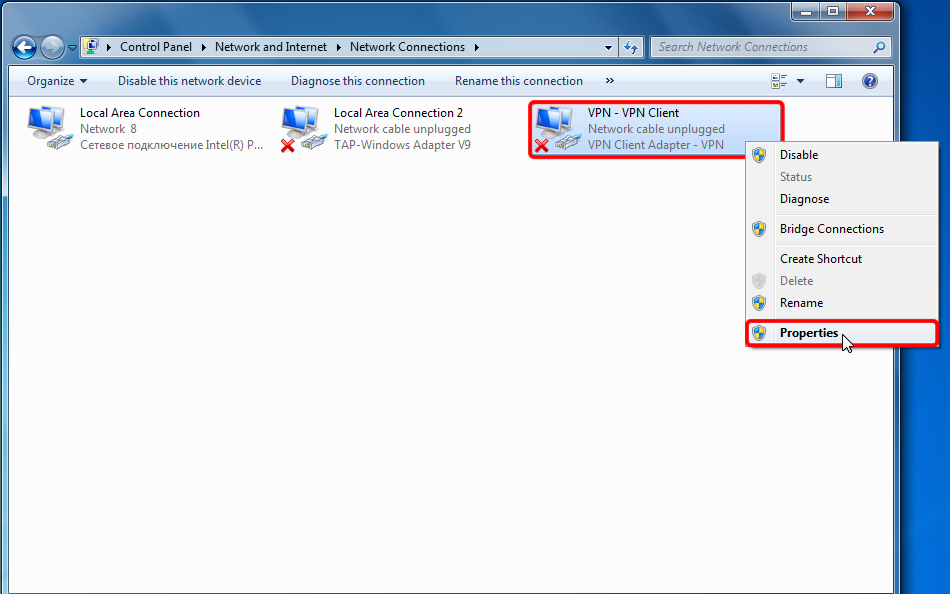
Step 3: Left click on VPN - VPN Client adapter, then right-click on it, then click Properties
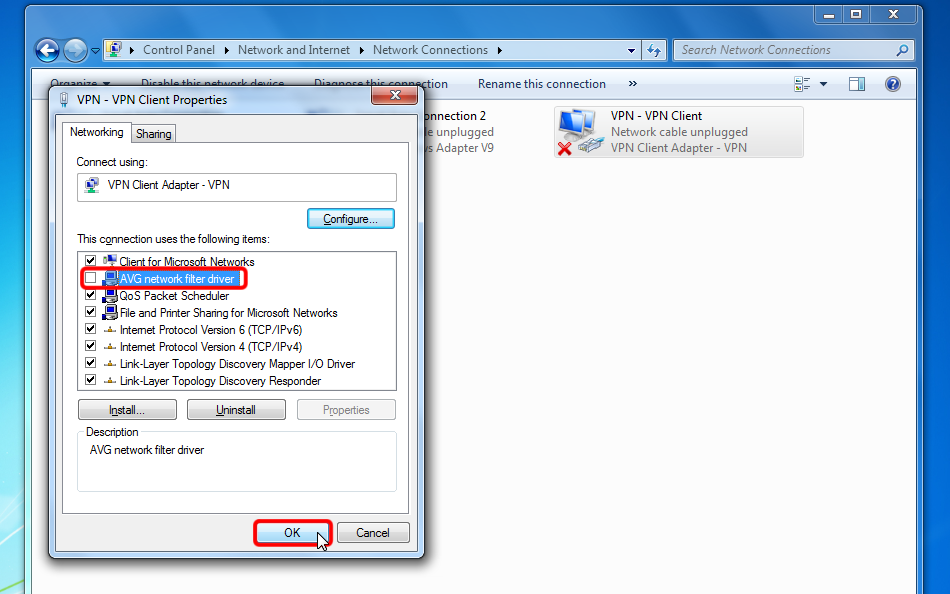
Step 4: Turn off AVG network filter driver checkbox and click OK
Step 5: Your Trust.Zone VPN Client should be able to connect now!